Download the Idaho Power Mobile App
Available on the App Store or Google Play!

Key Features
Save payment methods for quick, secure payments, and pay your bill with the touch of a button.
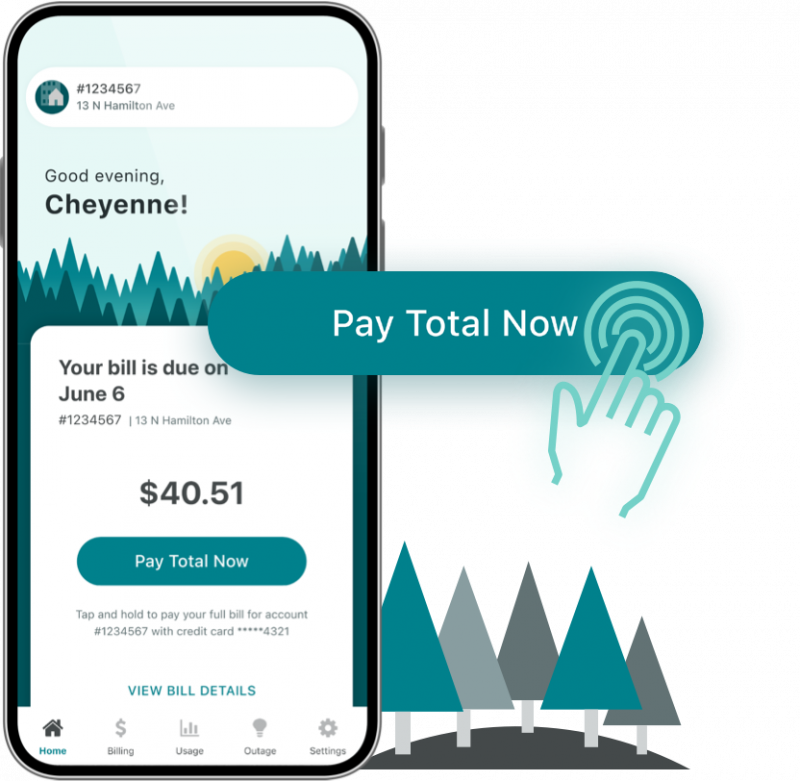
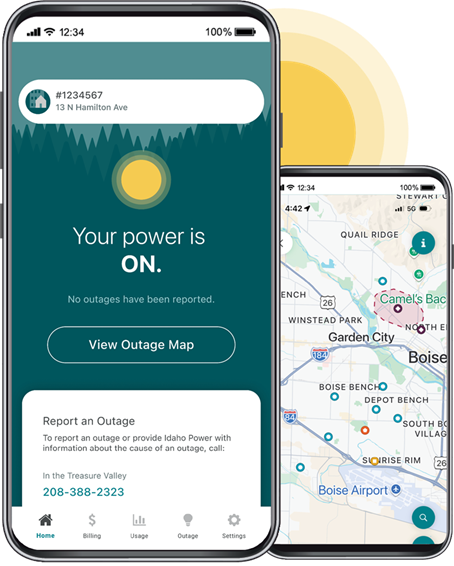
Track power outages impacting your home or business, and view the convenient in-app outage map.
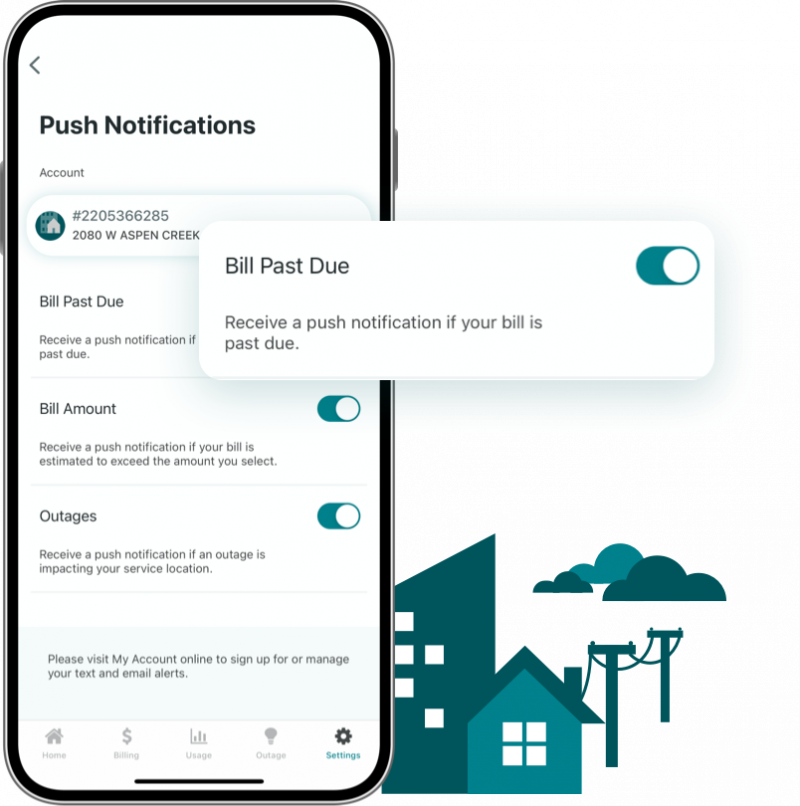
Sign up to receive outage and billing push notifications. These convenient notifications keep extra texts and emails out of your inbox and take you directly to more information.
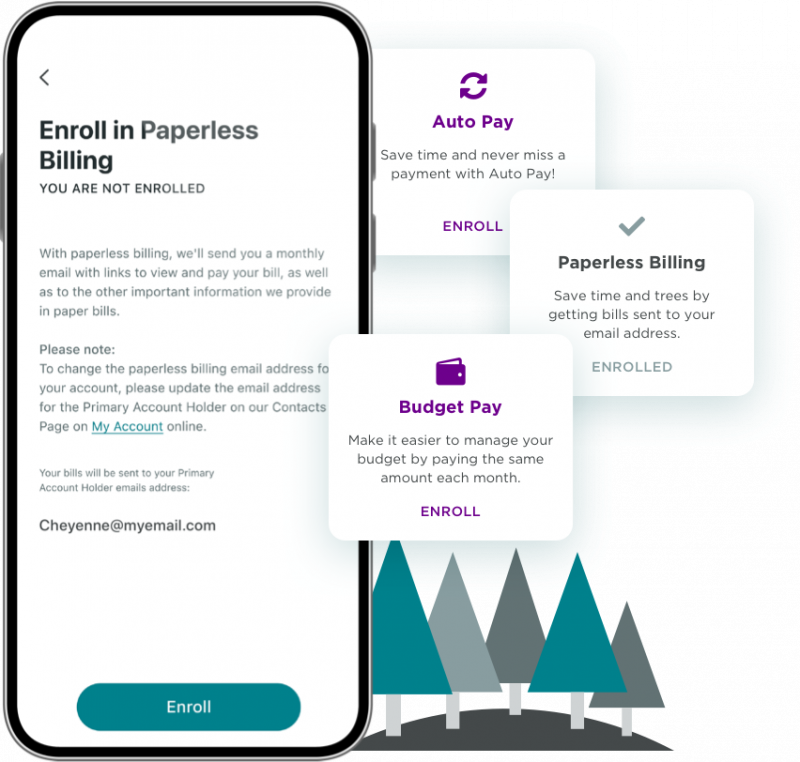
Set it, then forget it! Sign up for easy and convenient billing and payment programs like Paperless Billing, Auto Pay, and Budget Pay.
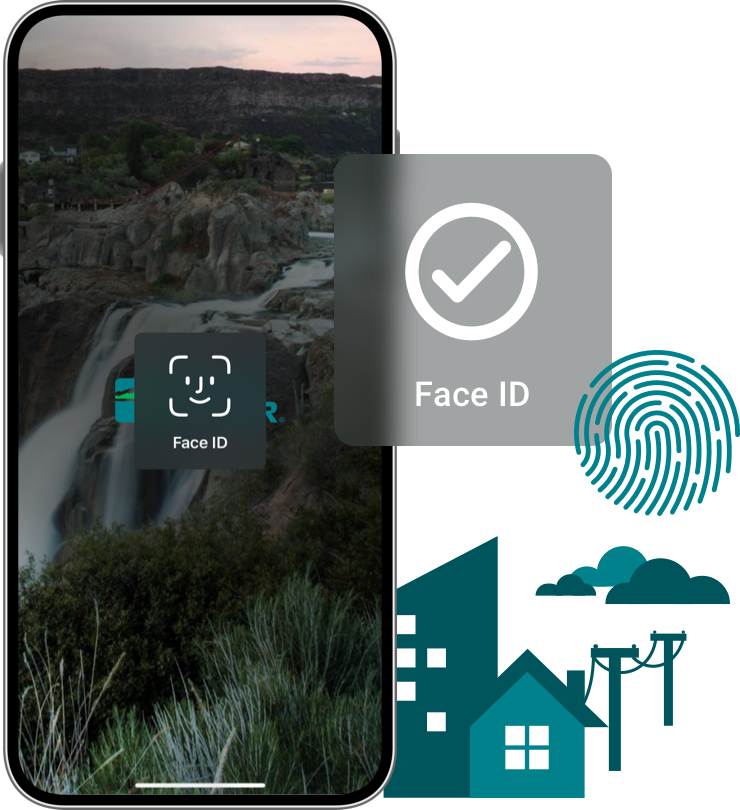
Hate having to keep track of all your passwords? After downloading the app and connecting with your My Account, future logins can be done quickly and securely using your phone’s Touch or Face ID.
FAQs
Download the app in the Apple App Store or Google Play Store.
Yes! The app is free to all Idaho Power customers.
You can manage much of your Idaho Power account from the mobile app:
- Make quick and easy bill payments.
- View billing and payment history.
- Track power outages and view an in-app outage map.
- Sign up for billing and payment programs.
- Receive outage and billing push notifications.
- Track energy use.
- Log in using Touch or Face ID.
Users need to register or log in to My Account to access the features of the app.
Log in using your Idaho Power My Account username and password. You can then choose to use Touch ID or Face ID for future logins.
If you don’t have a My Account login, you can sign up for one online or by using the Register link in the mobile app.
If you forgot your username or password, click Forgot Password? on the sign-in page.
The mobile app is available for all Idaho Power customers. Users with multiple accounts can toggle between them within the app.
The mobile app was designed specifically for iOS and Android phones. While the app does technically work on a tablet, we do not recommend it.
If you’ve previously downloaded the app, your phone may make updates automatically or prompt you to do so. Some phones require you to update manually:
Apple users:
- Open the App Store.
- Tap your profile icon at the top of the screen.
- Scroll to see pending updates and release notes. Tap Update next to an app to update only that app or tap Update All.
Android users:
- Open the Google Play Store app.
- Tap your profile icon at the top-right of the screen.
- Tap Manage apps & device. Apps with an update available are labeled “Update available.”
- Tap Update.
There is no additional fee for making a payment through the app. Learn more about payment options.
If the app doesn’t reflect an outage at your account’s location, app users should report an outage by calling 208-388-2323 or 1-800-488-6151 (outside the Treasure Valley). You can also visit our online outage map to view outage information for any location in our service area. Please allow up to 10 minutes for your outage to appear on the map.